Batangas State University · ARASOF Nasugbu Campus

A queue system built for the whole campus.

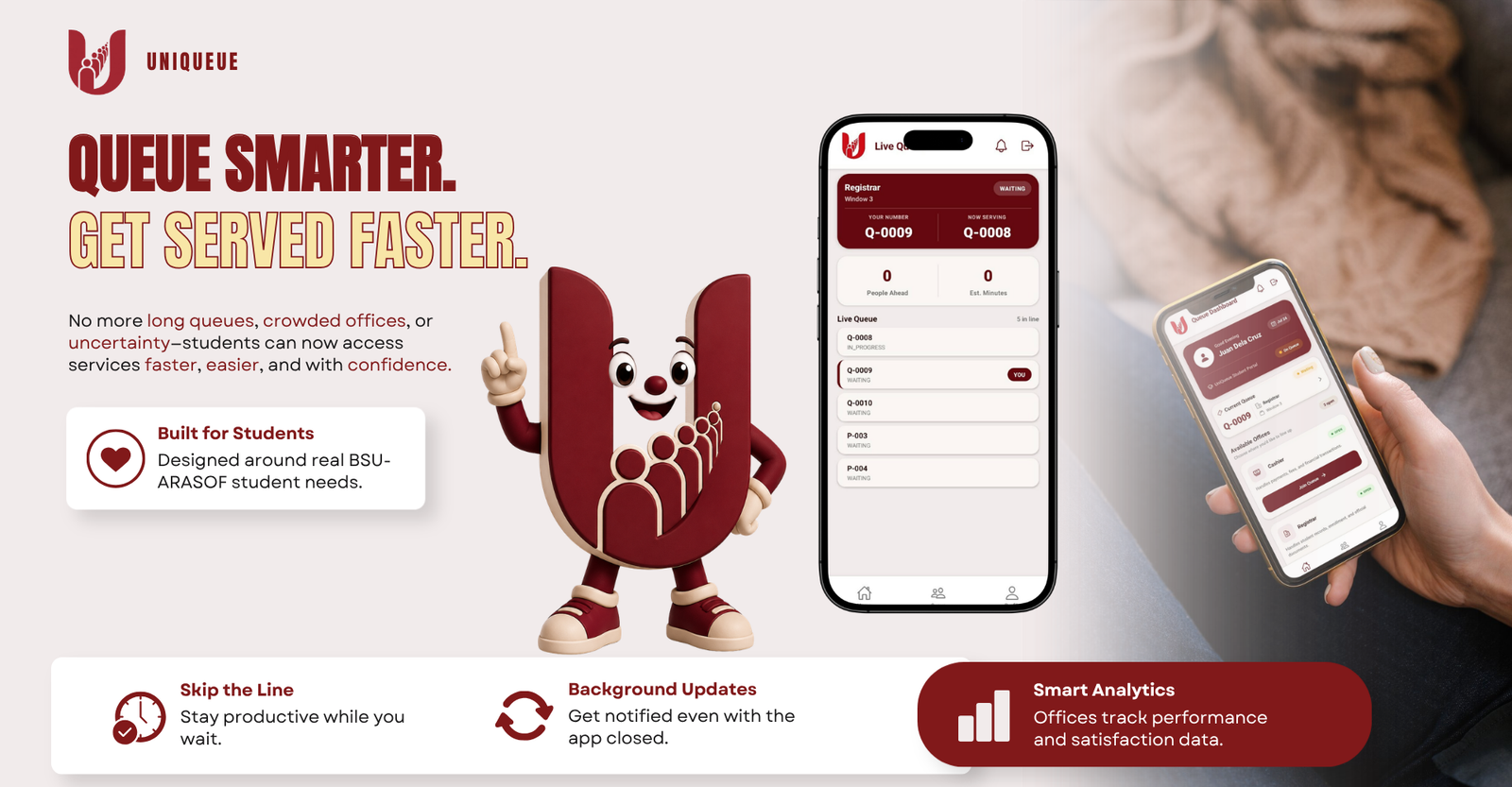
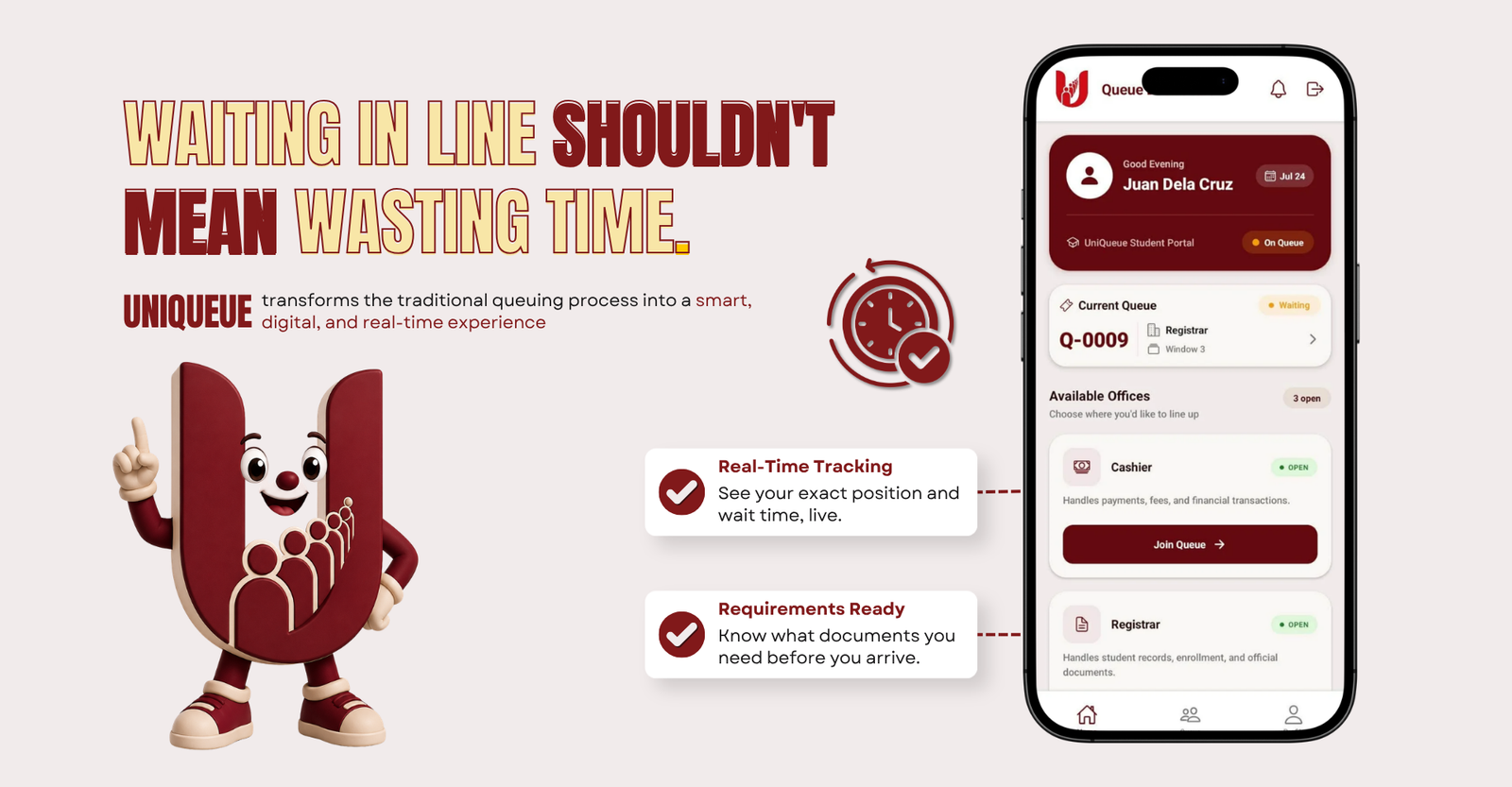
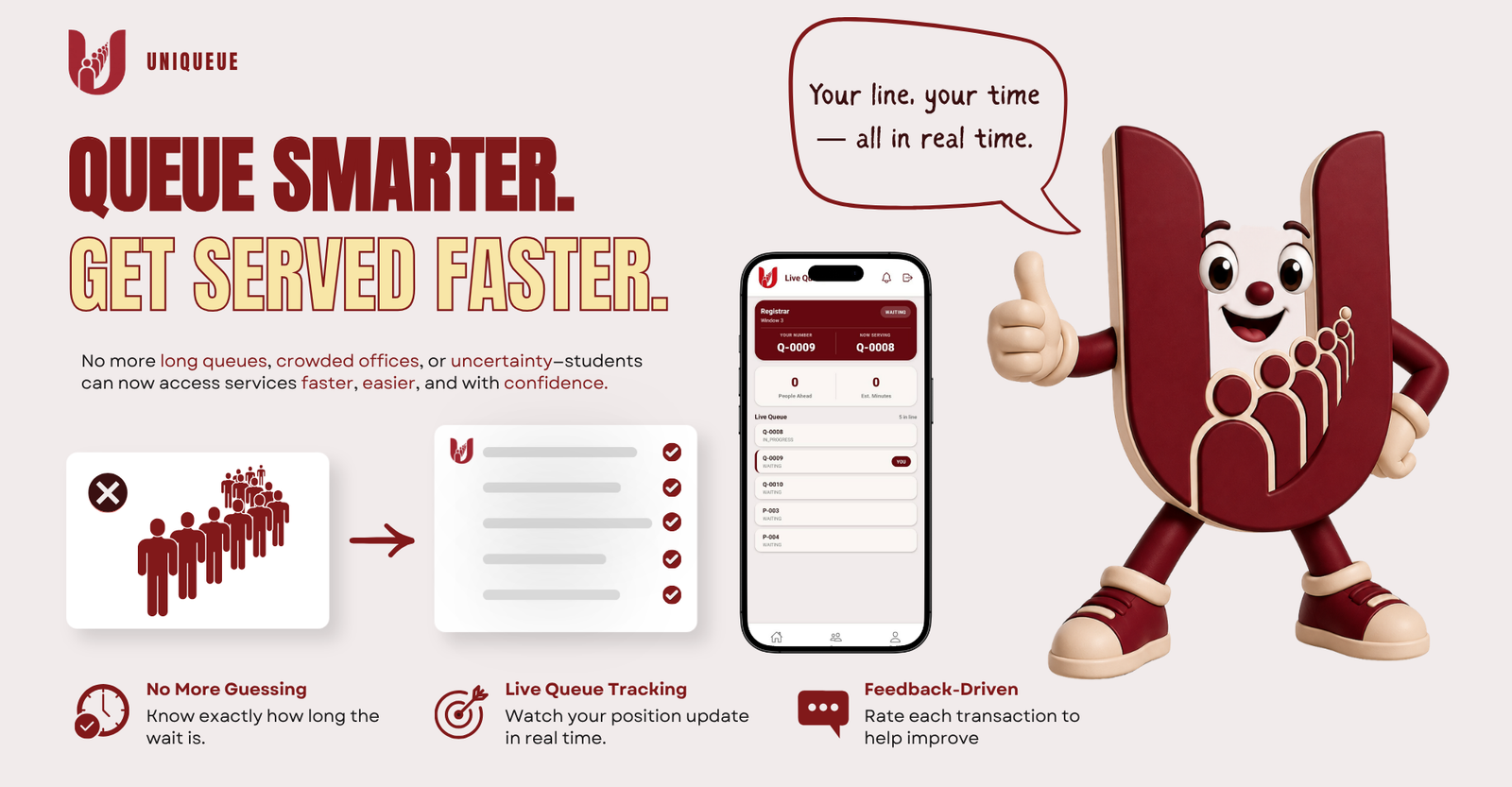
Uni-Queue is a web-based queue management system developed for BSU ARASOF Nasugbu Campus. It replaces called names and paper slips with a live, trackable number — for students and offices alike, across every department.

Capstone Project · College of Informatics and Computing Sciences
About the project

A response to a problem every student knows.

Offices at BSU ARASOF Nasugbu still rely on called names and paper-based queue slips. Students wait in a physical line with no visibility into their position or expected wait time, and staff have no live record of throughput. Uni-Queue was developed to close that gap with a system that lets students queue remotely and track their status in real time.

Multi-office Support for concurrent queues across campus offices
Real-time Live queue position and wait-time visibility
Web & mobile Accessible from a browser or the companion mobile app
Office queue dashboard showing live student positions
Office staff see every counter's live queue in one view.

Objectives

  • Minimize time spent waiting in physical lines
  • Enable remote queueing from web and mobile
  • Provide real-time queue position and wait-time updates
  • Support structured, verifiable priority handling
  • Give office and campus admins reporting on queue activity

Target users

  • Students — join and track queues from their device
  • Office staff — manage counters and serve queues
  • Campus admins — oversee offices and view analytics
How it works

From login to counter, in six steps.

  1. 01

    Log in

    Sign in with your student or staff account.

  2. 02

    Select an office

    Choose the office and transaction type you need.

  3. 03

    Join the queue

    Reserve your place remotely, walk-in or by appointment.

  4. 04

    Receive a queue number

    Get a unique, trackable ticket for that office.

  5. 05

    Track your position

    Watch your place in line and estimated wait update live.

  6. 06

    Get notified & proceed

    Receive an alert as your turn nears, then head to the counter.

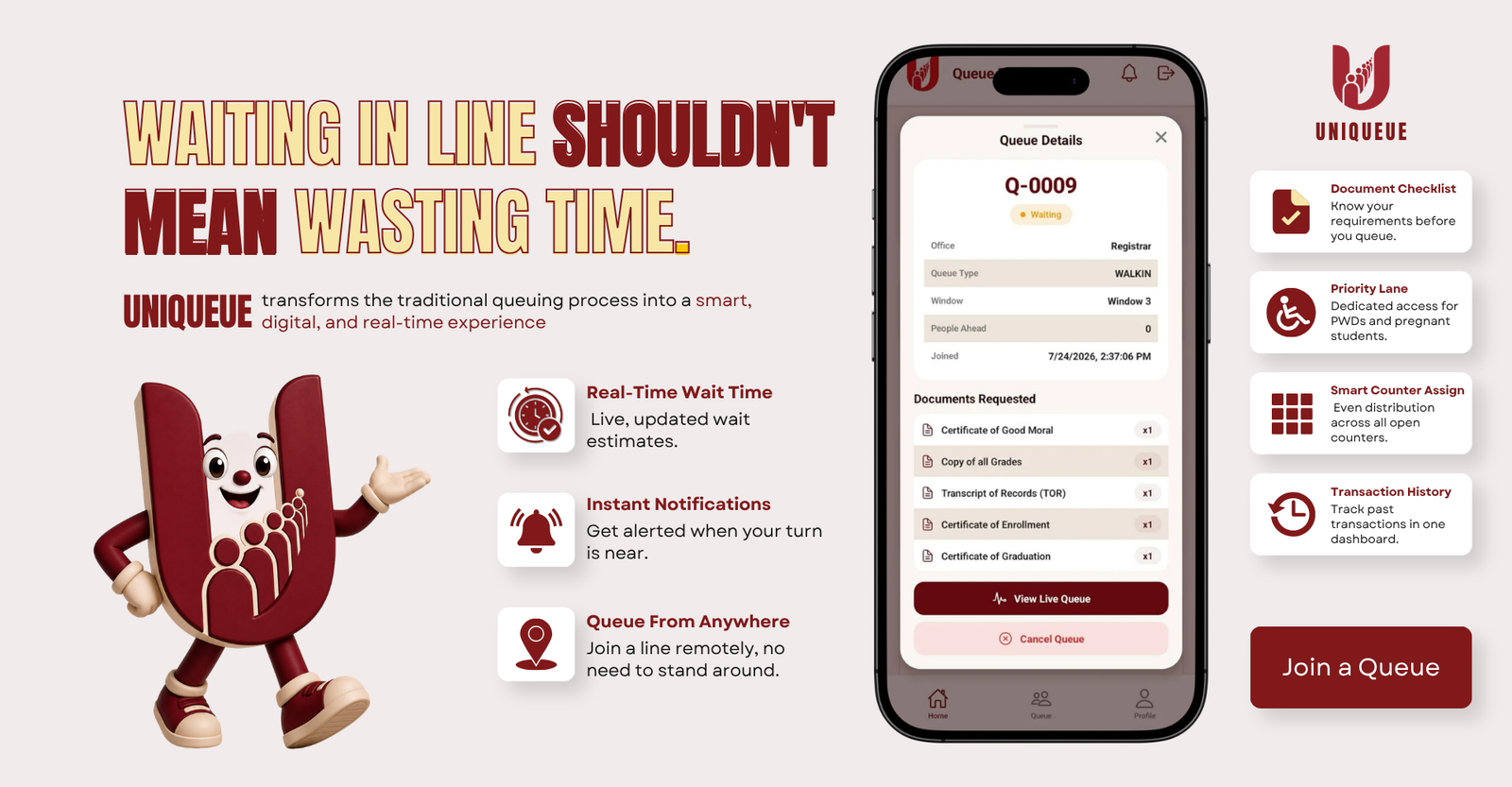
Student view tracking live queue position and wait time
A student's view: live position, estimated wait, and a notification on the way.
System modules

Three modules, one queue.

Student module interface Student

Student module

  • Join a queue remotely
  • Track live queue position
  • Receive push notifications
  • Book an appointment in advance
Office module interface Office

Office module

  • Call and serve queued students
  • Manage multiple counters
  • Balance load across open windows
  • View daily queue activity
Admin module interface Admin

Admin module

  • Manage users and offices
  • View throughput and wait-time reports
  • Configure priority-lane rules
  • Monitor system-wide analytics
Core system features

Core system features.

Queue

Remote queueing

Join a walk-in or appointment queue from the web app or mobile app before you even leave your dorm.

Tracking

Real-time tracking

Watch your position update live, with a dynamic wait-time estimate that adjusts as service moves.

Priority

Priority lane access

Structured, verifiable priority handling for PWDs and pregnant students — no guessing, no disputes.

Routing

Smart counter assignment

Multi-counter load balancing routes each ticket to the fastest open window automatically.

Alerts

Push notifications

Get alerted as your turn approaches — even in the background, with a home-screen widget on mobile.

Reports

Office analytics

Admins get a live dashboard of throughput, wait times, and satisfaction to run offices data-first.

Screenshots

The system, module by module.

Student dashboard screenshot
Student dashboard
Office dashboard screenshot
Office dashboard
Admin dashboard screenshot
Admin dashboard
Mobile view screenshot
Mobile view
Mobile app showing queue notifications and wait time
Notifications reach students before their turn arrives — on web or mobile.
Benefits

Built for both sides of the counter.

For students

  • Less time spent standing in line
  • Join a queue remotely, from anywhere on or off campus
  • Live updates on queue position and wait time
  • Automatic notifications as your turn nears

For offices

  • Organized, orderly queues with no disputes over order
  • Faster transactions through counter load balancing
  • Data-backed insight into throughput and peak hours
  • Reduced congestion in waiting areas
Contact

About this capstone project.

University Batangas State University – ARASOF Nasugbu Campus
Program College of Informatics and Computing Sciences
Department email cics.arasof@g.batstate-u.edu.ph
Live Queue